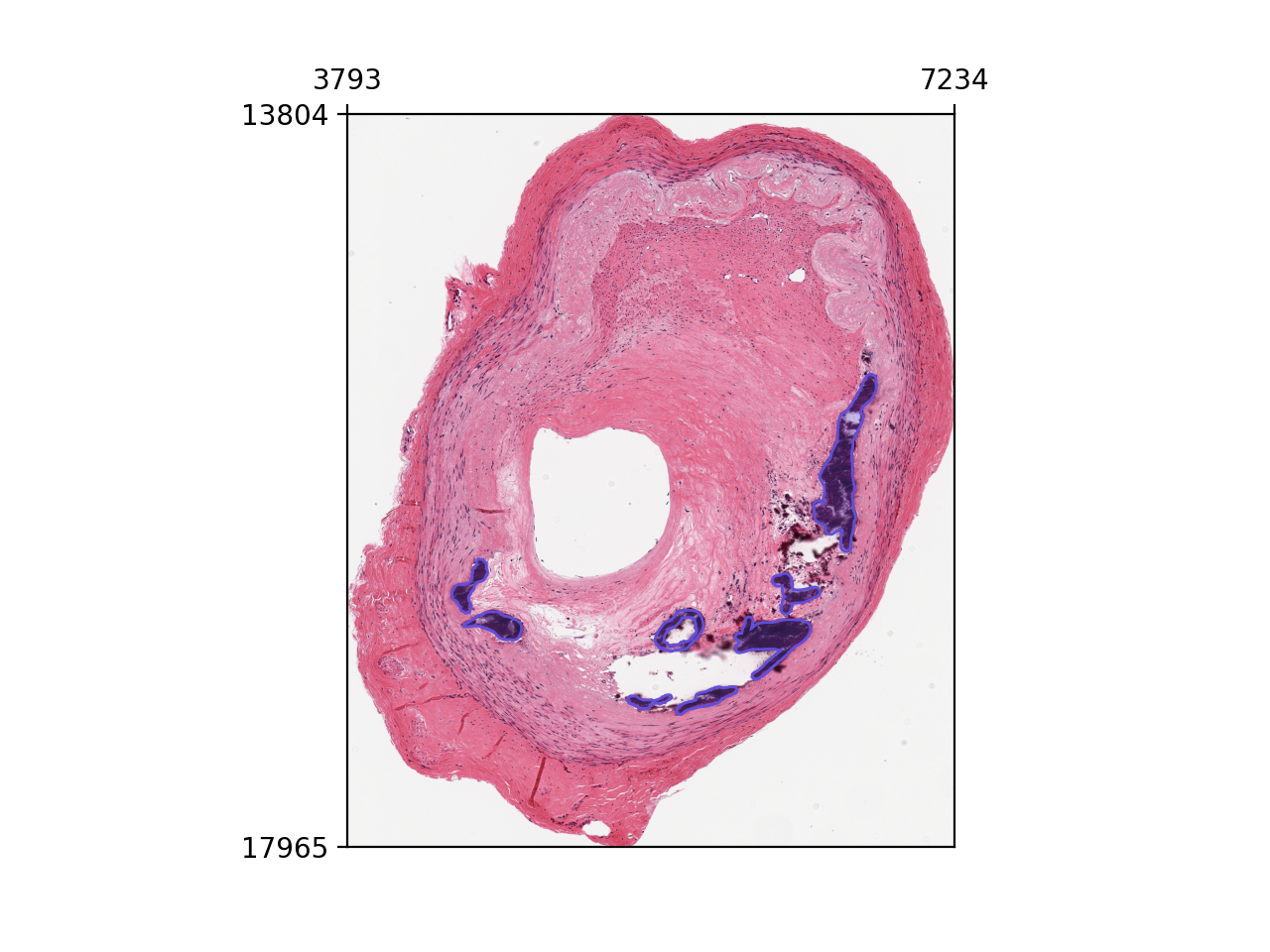
WSI Visualization in LazySlide#
LazySlide implements different plotting functions to showcase different parts of WSIData.
import lazyslide as zs

wsi = zs.datasets.gtex_artery()
wsi
Visualize tissue#
The tissues have been detected, so you will see both colored contours and id of tissues.
zs.pl.tissue(wsi)
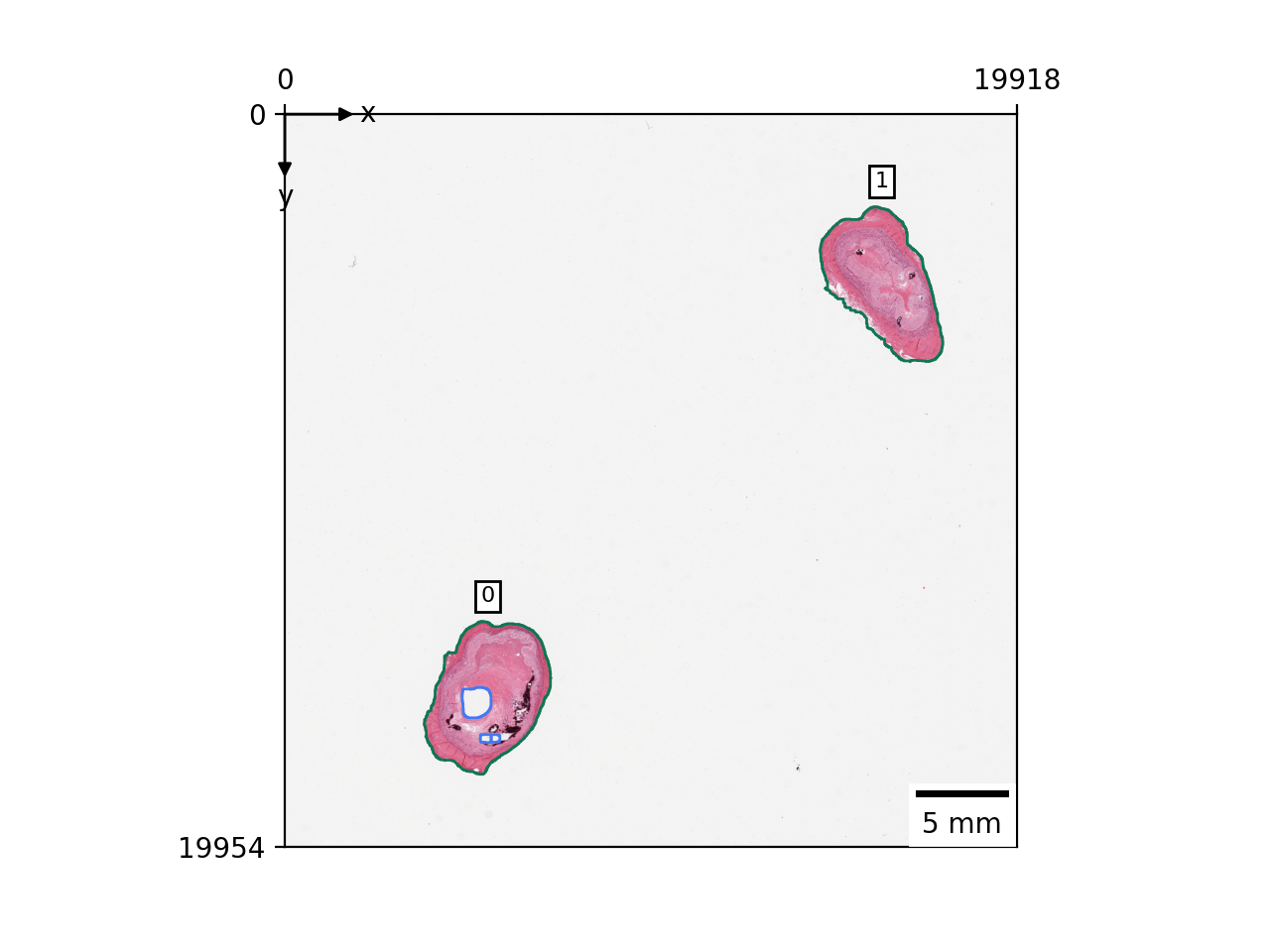
If you want to zoom in to specific tissue, you can specify the tissue id.
zs.pl.tissue(wsi, tissue_id=0)
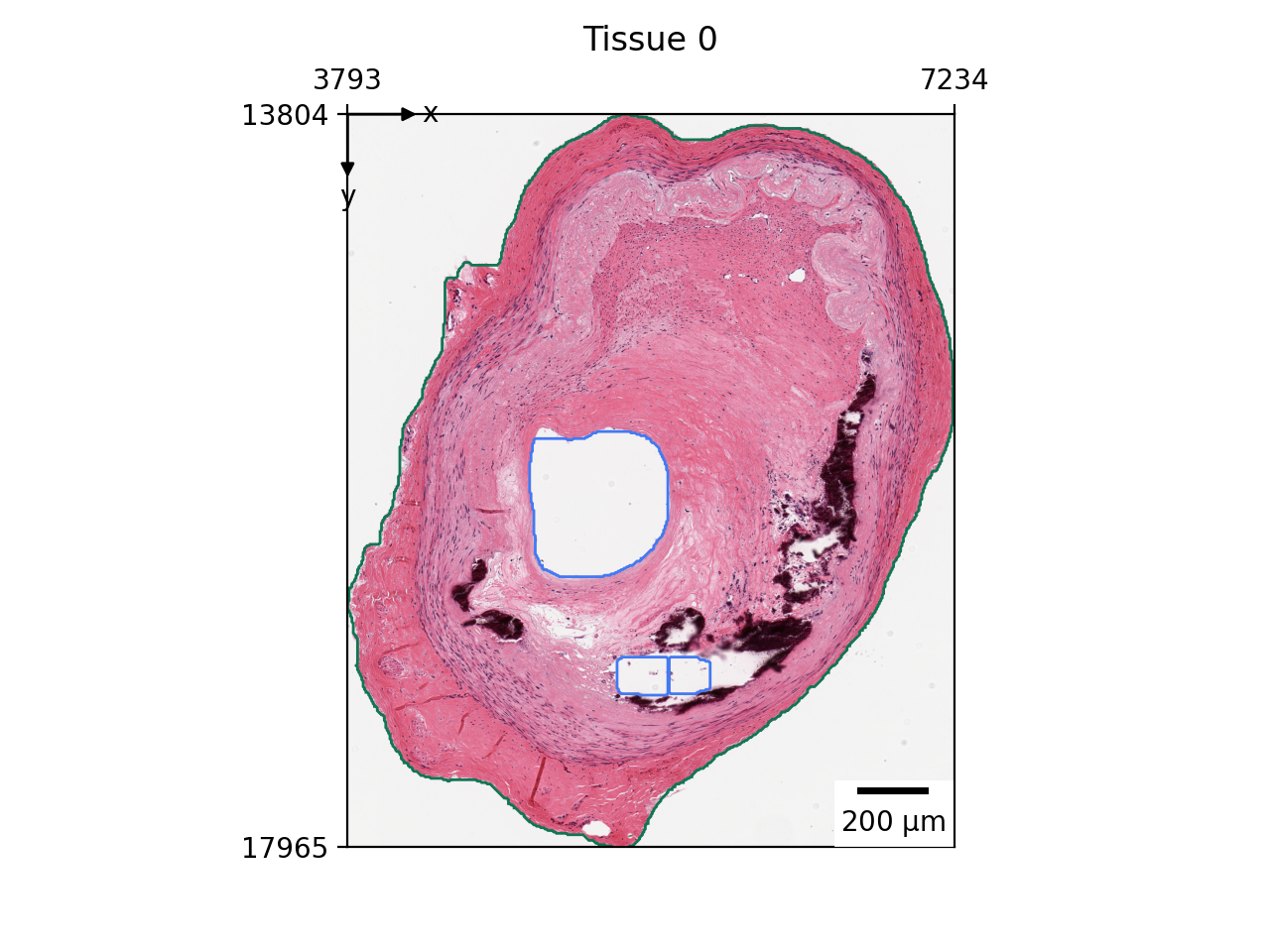
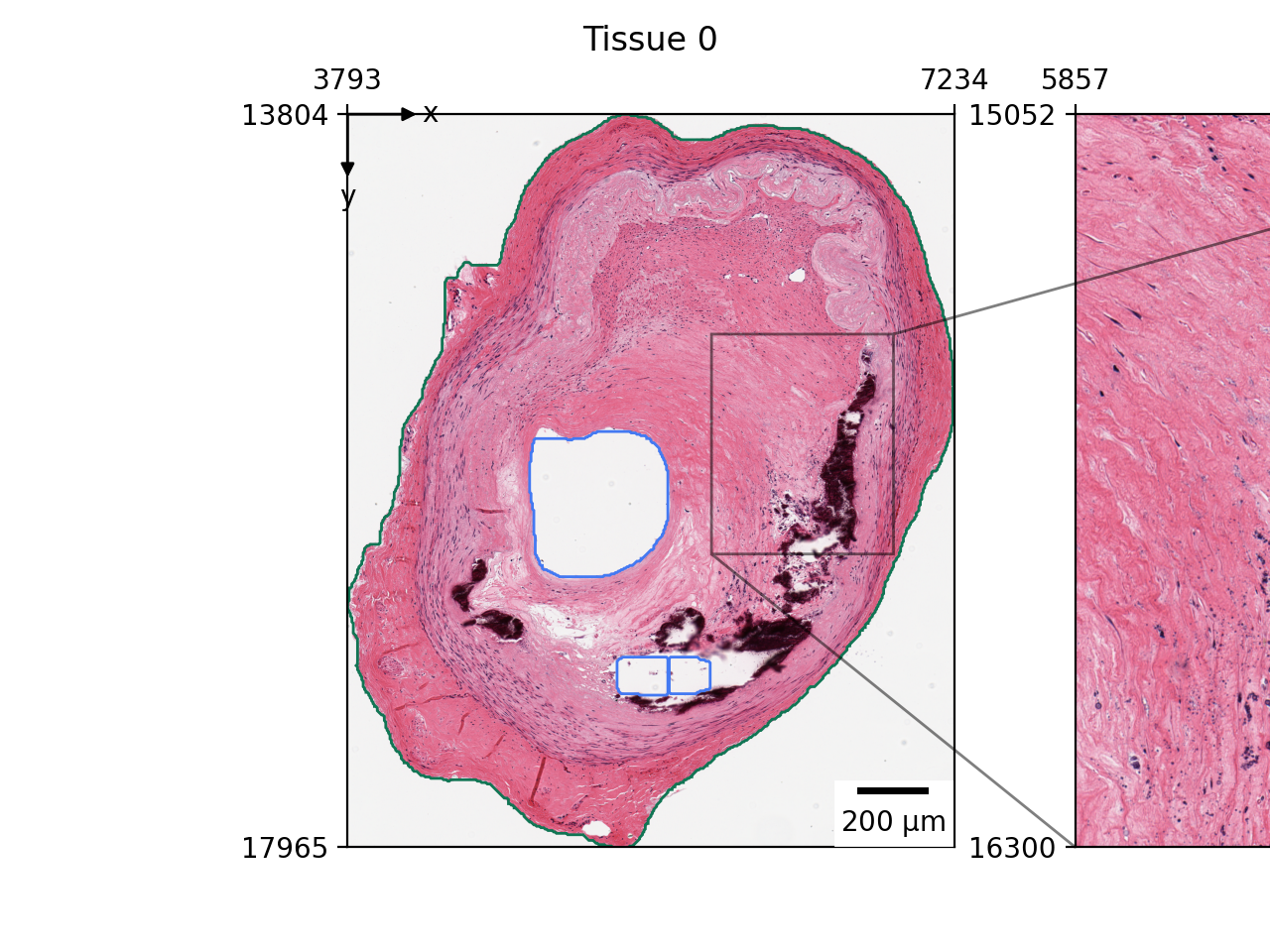
If this is not enough, you can add a zoom view to highlight specific region.
zs.pl.tissue(wsi, tissue_id=0, zoom=[0.6, 0.9, 0.3, 0.6])
Visualize tiles#
zs.pl.tiles(wsi)
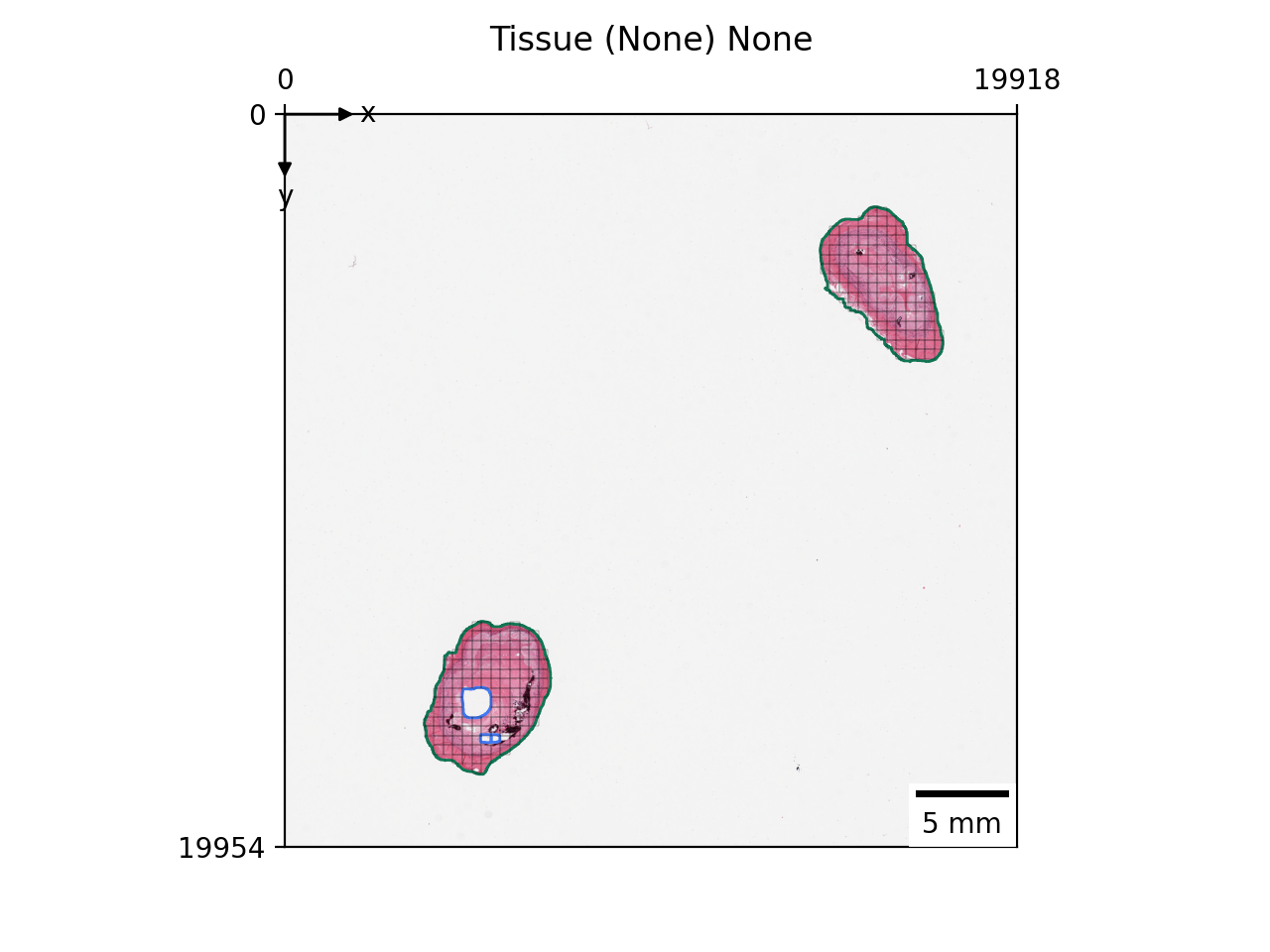
By default, it will only display the tile grid on the tissues.
If not clear enough, you can also zoom in.
zs.pl.tiles(wsi, tissue_id=0, zoom=[0.6, 0.9, 0.3, 0.6])
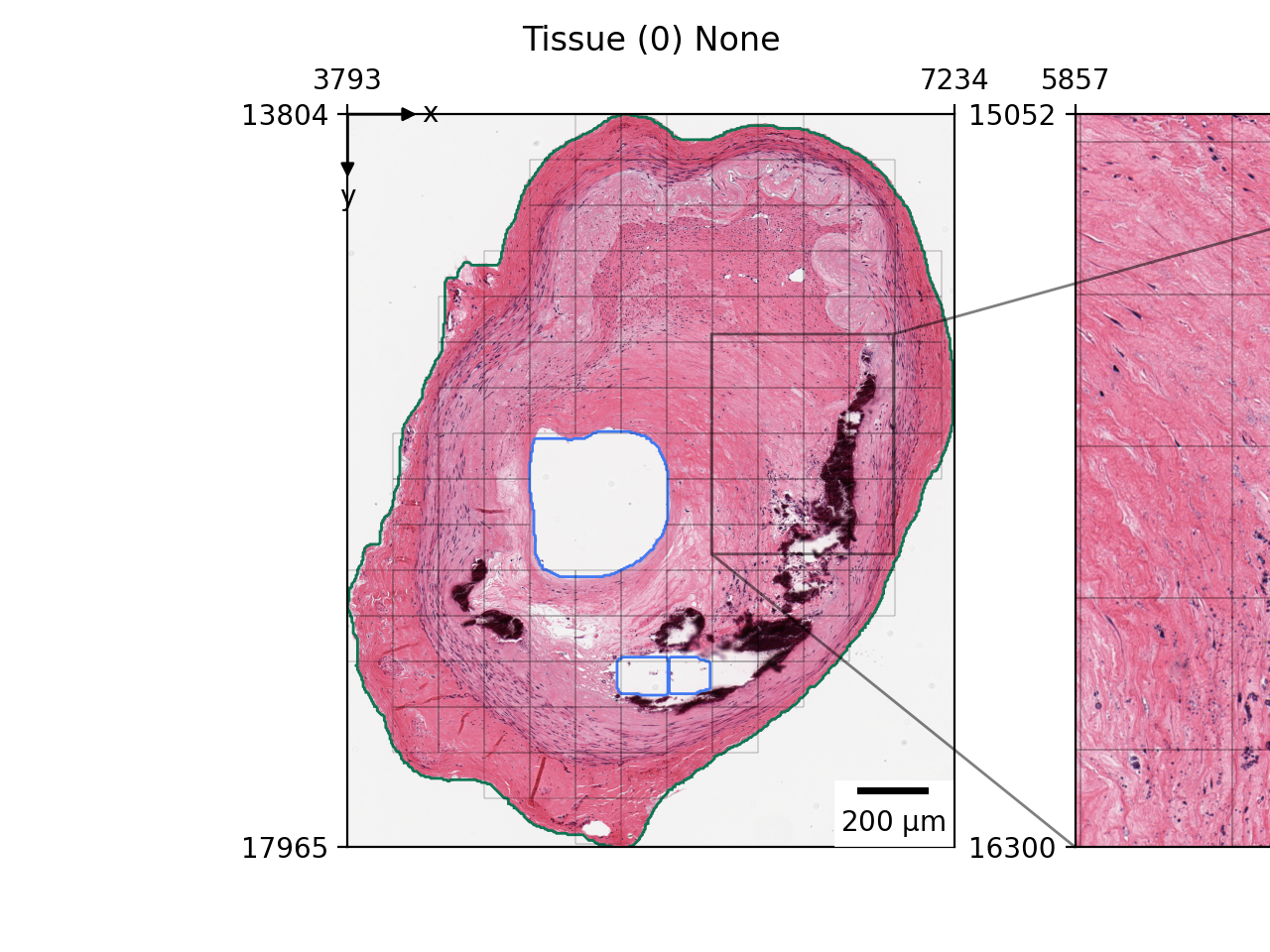
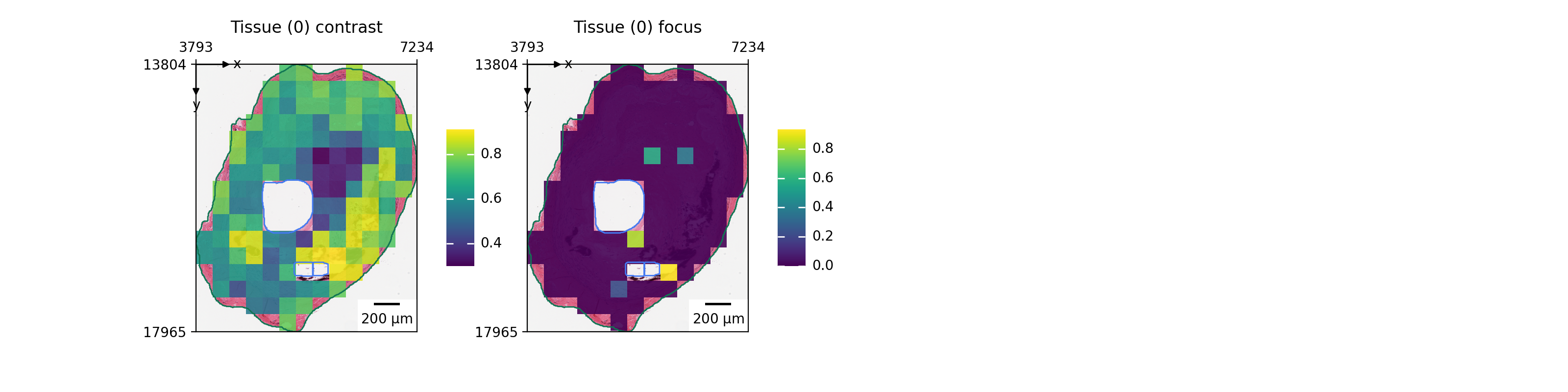
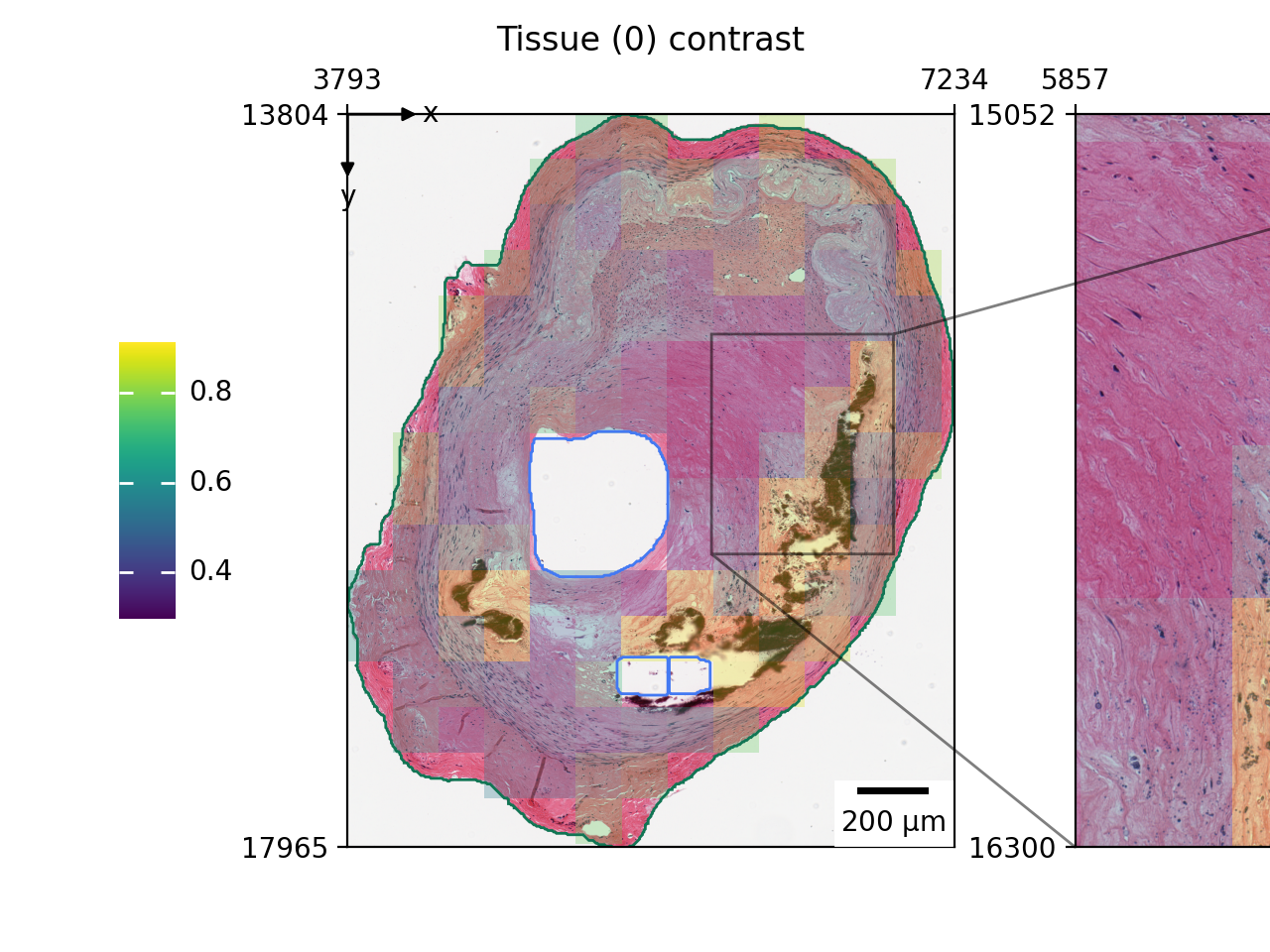
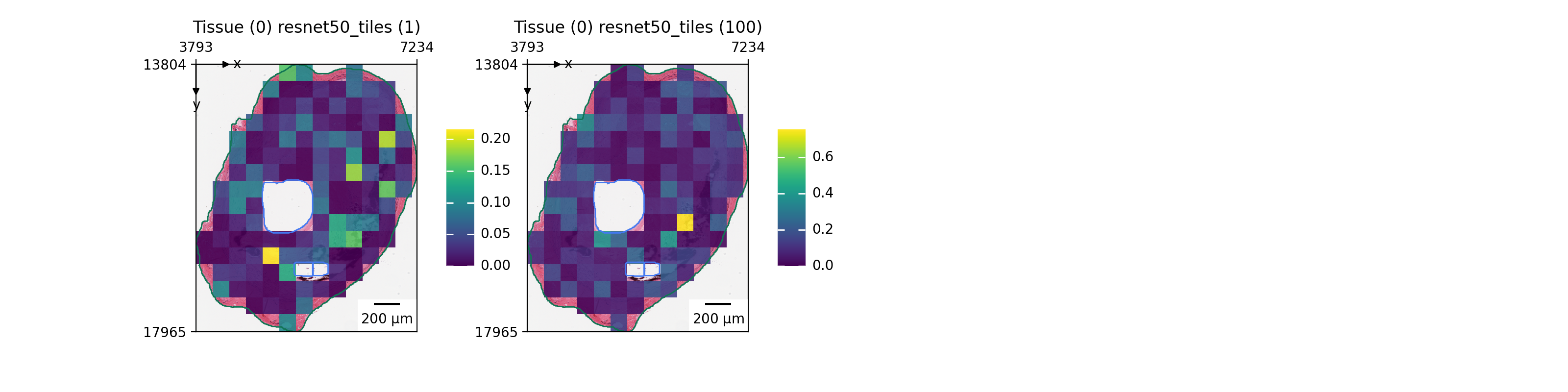
Furthermore, we can project many features onto the tile visualization.
wsi["tiles"].head()
zs.pl.tiles(wsi, tissue_id=0, color=["contrast", "focus"])
zs.pl.tiles(wsi, tissue_id=0, color="contrast", alpha=0.3, zoom=[0.6, 0.9, 0.3, 0.6])
zs.pl.tiles(wsi, tissue_id=0, feature_key="resnet50", color=["1", "100"])
Visualize annotations#
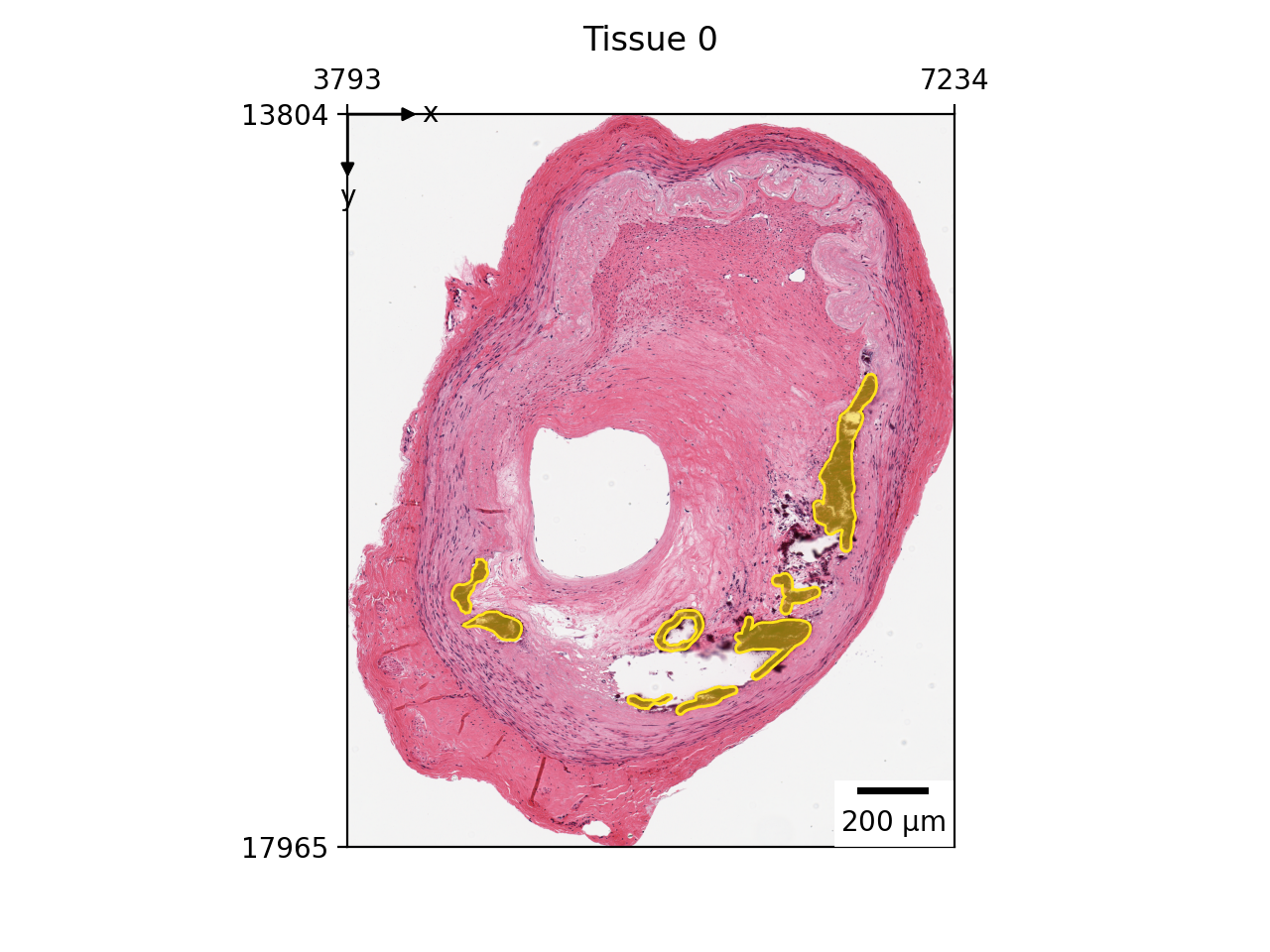
If you have imported pathological annotations, they can also be visualized.
wsi["annotations"].head()
zs.pl.annotations(wsi, "annotations", tissue_id=0)
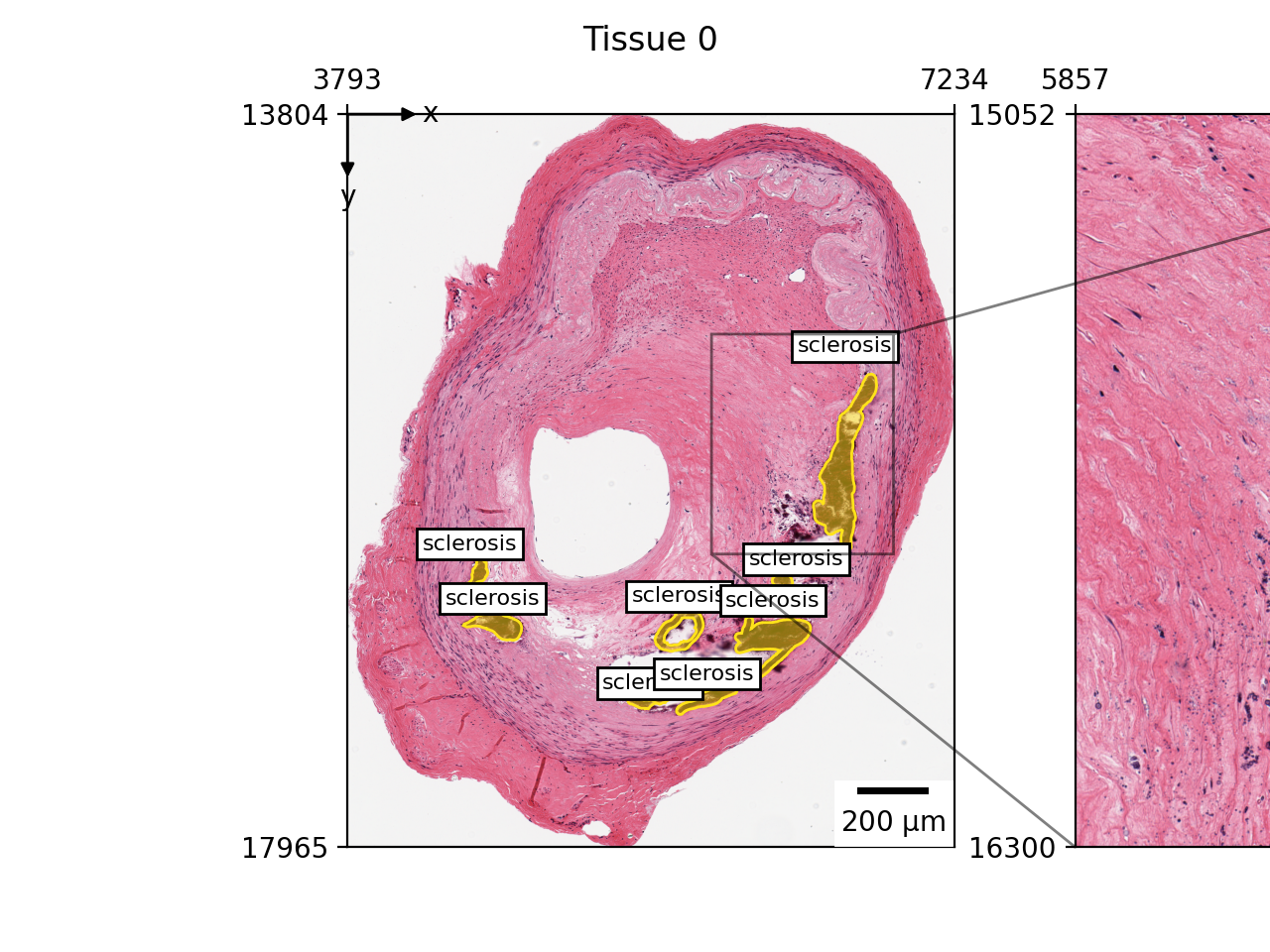
You can also add labels onto the image.
zs.pl.annotations(
    wsi, "annotations", tissue_id=0, label="name", zoom=[0.6, 0.9, 0.3, 0.6]
)
Declarative visualization in LazySlide#
Since WSIData extends from SpatialData, you may use spatialdata-plot to visualize the WSI. However, LazySlide implements an super fast and efficient plotting system to help visualize WSI from macro structures to single cells.
We start with an empty viewer, you will need to choose what to add on top of the visualization.
v = zs.pl.WSIViewer(wsi)
v.show()
In most situation, we need the slide image as the background.
v.add_image()
v.show()
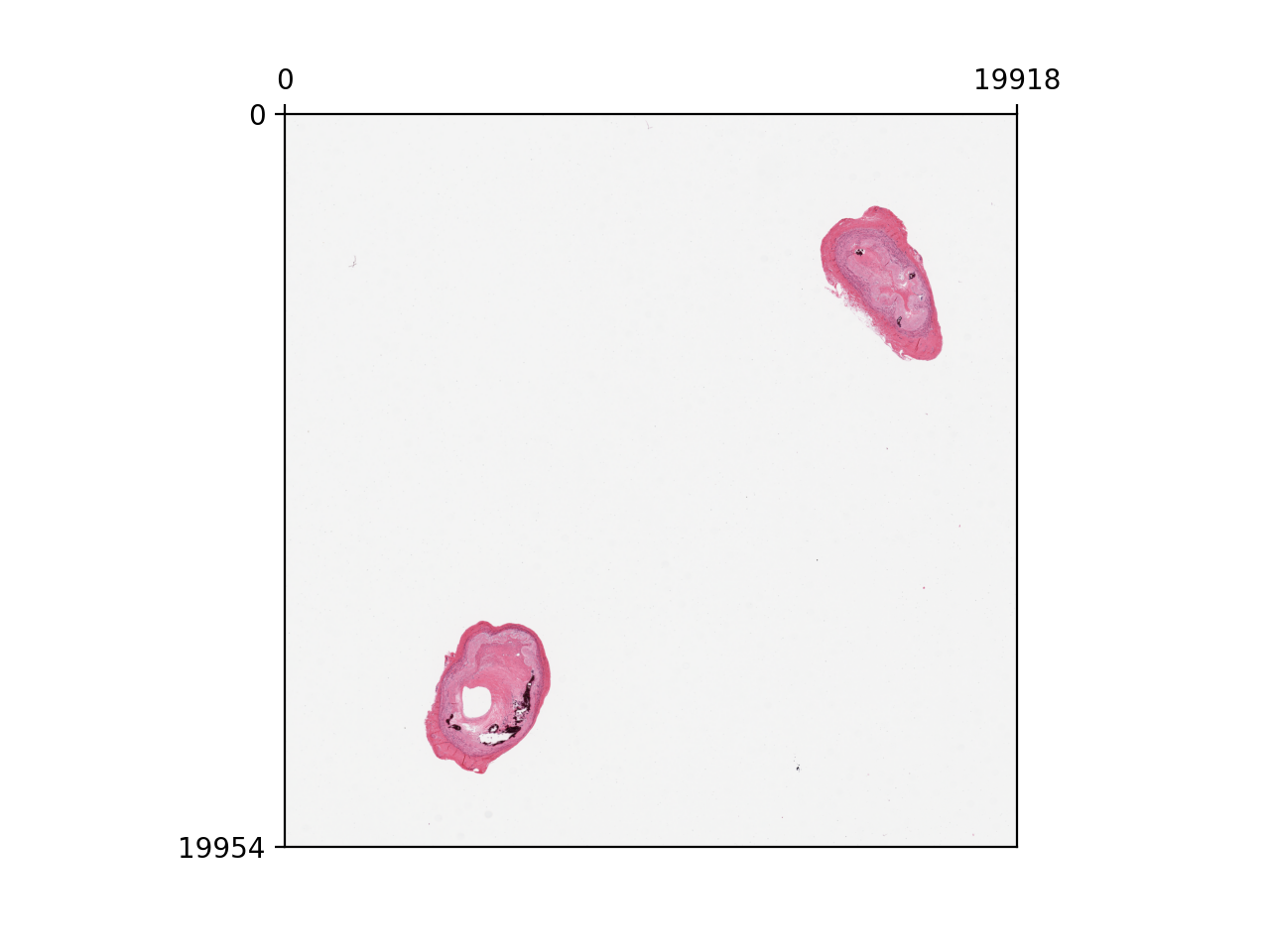
v.add_contours("tissues")
v.show()
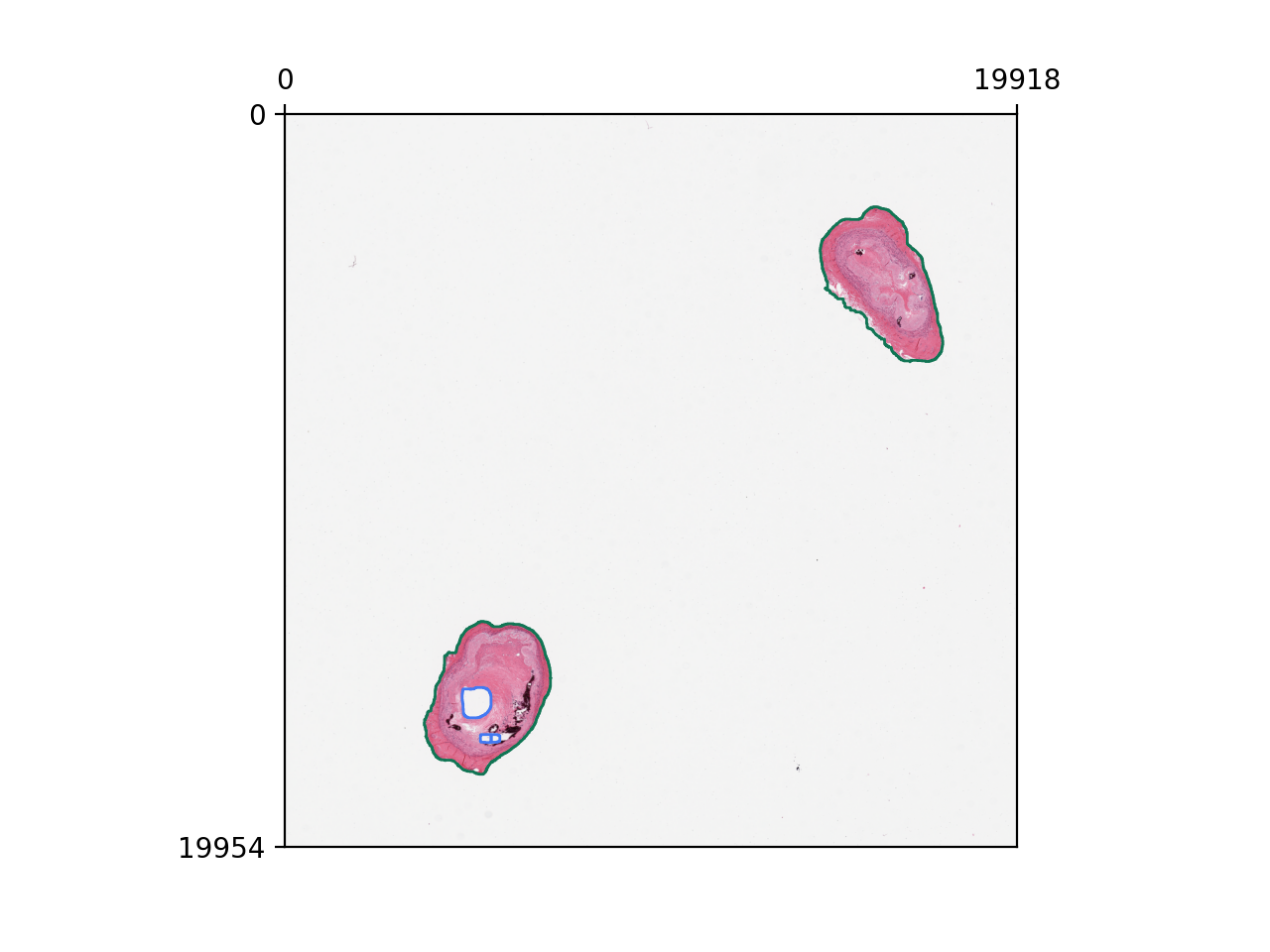
v.add_polygons("annotations")
v.show()
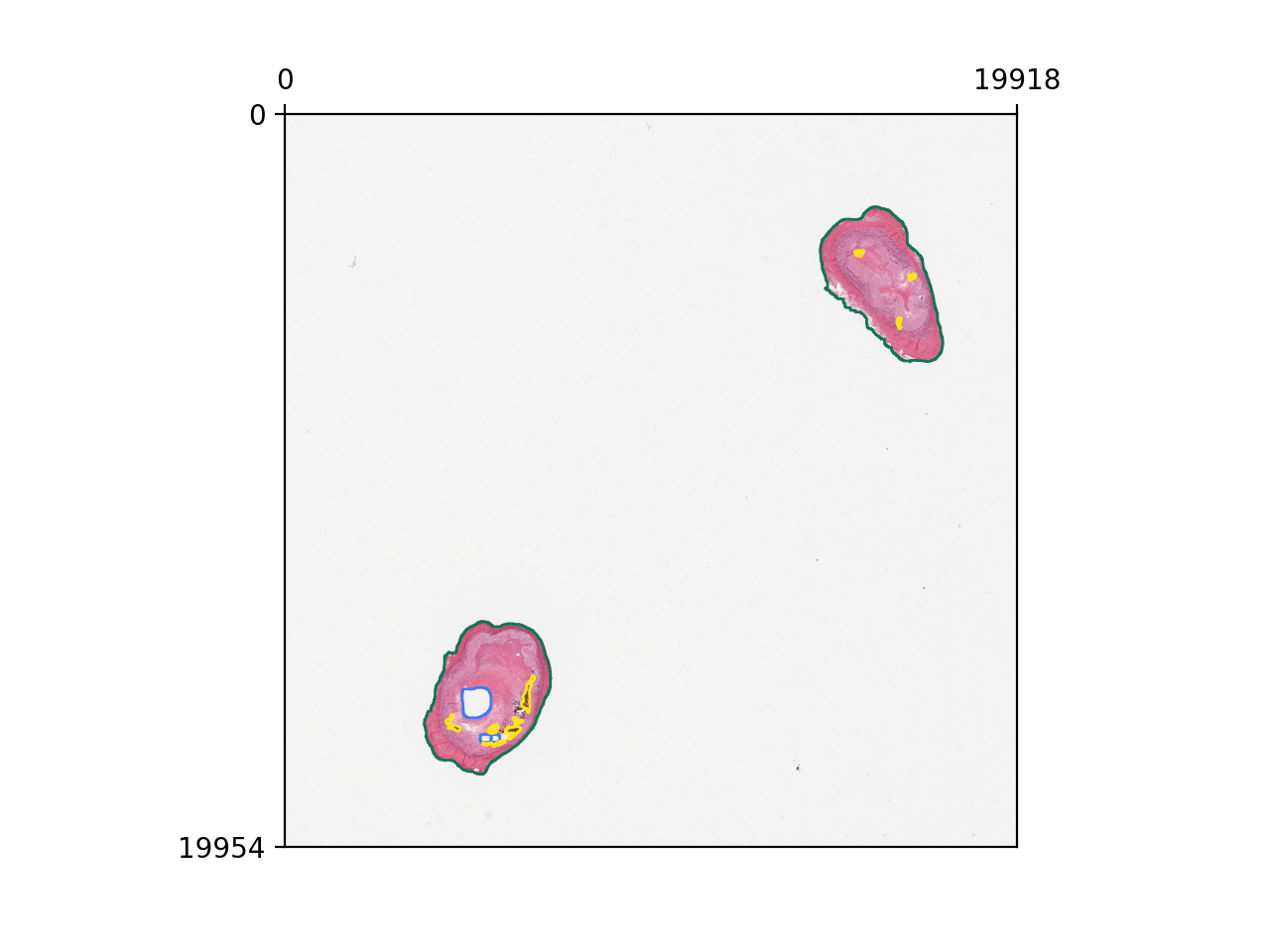
v.set_tissue_id(0)
v.show()
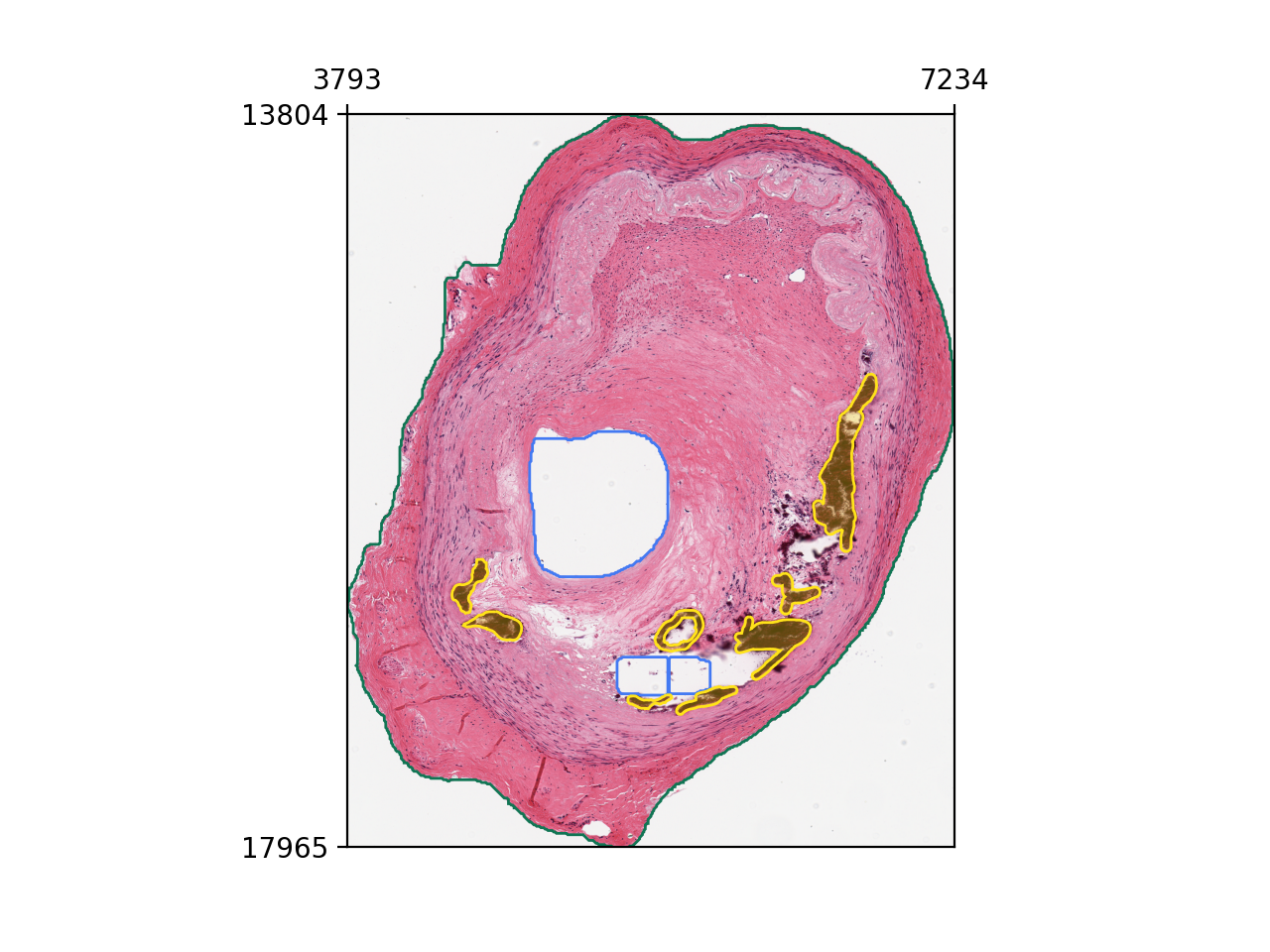
v.add_zoom(0.6, 0.9, 0.3, 0.6)
v.add_scalebar()
v.mark_origin()
v.show()
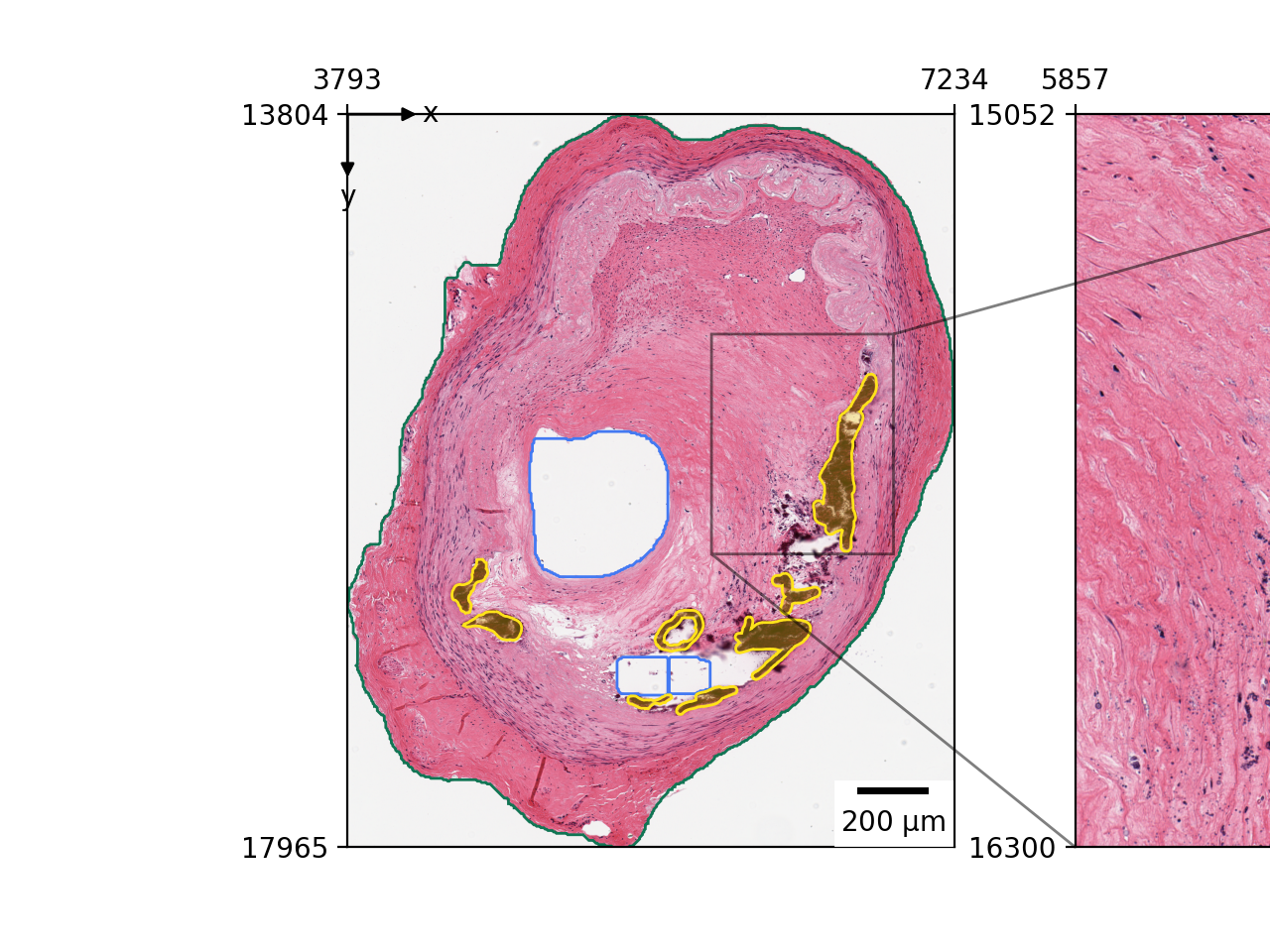
To summarize, you will have the following code
v = zs.pl.WSIViewer(wsi)
v.add_image()
v.add_contours("tissues")
v.add_polygons("annotations")
v.set_tissue_id(0)
v.add_zoom(0.6, 0.9, 0.3, 0.6)
v.add_scalebar()
v.mark_origin()
If we don’t called the .show() method, nothing will happen. The plotting will be lazily evaluated.
Now let’s called the .show() to render the final image.
v.show()
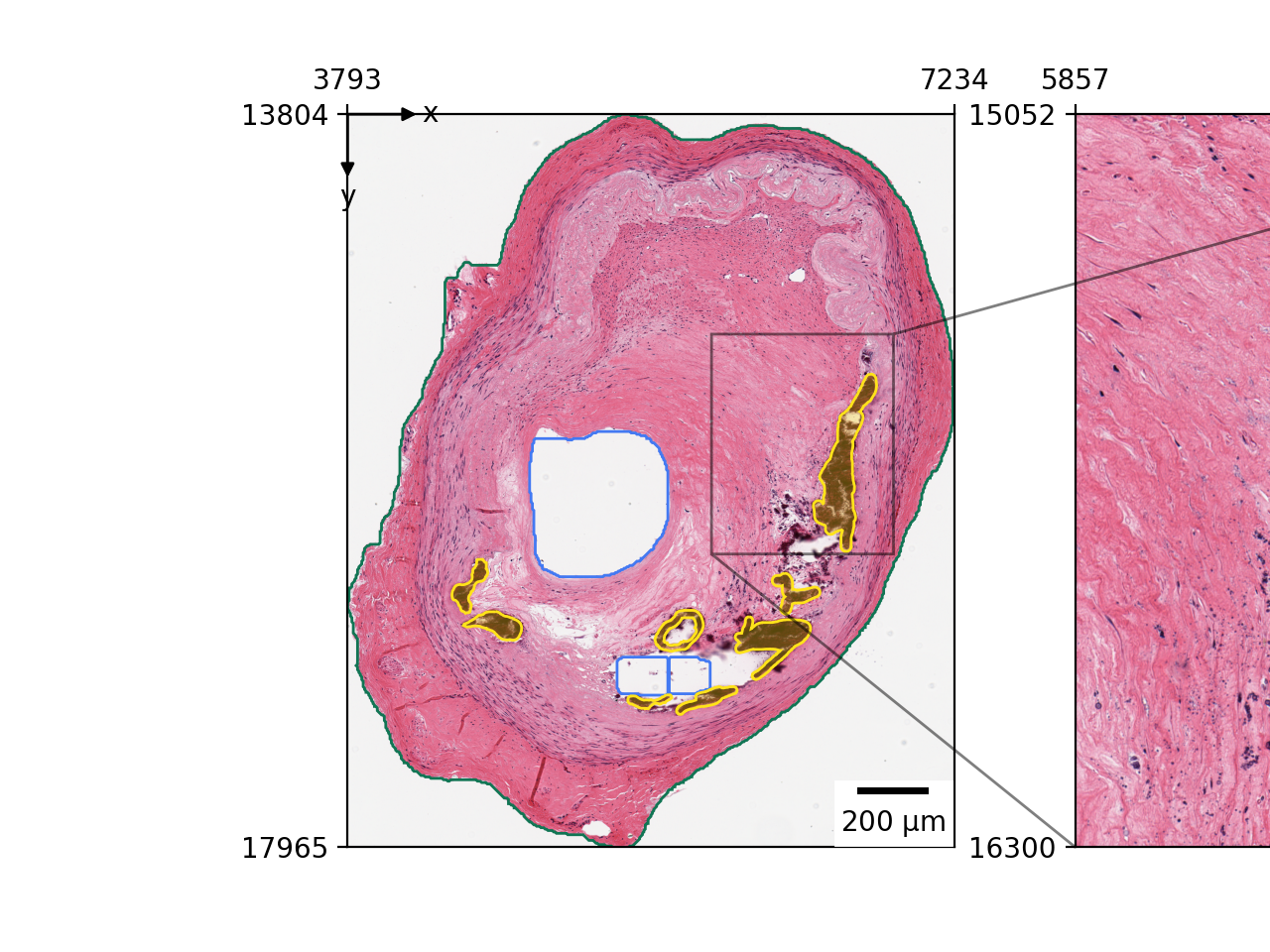
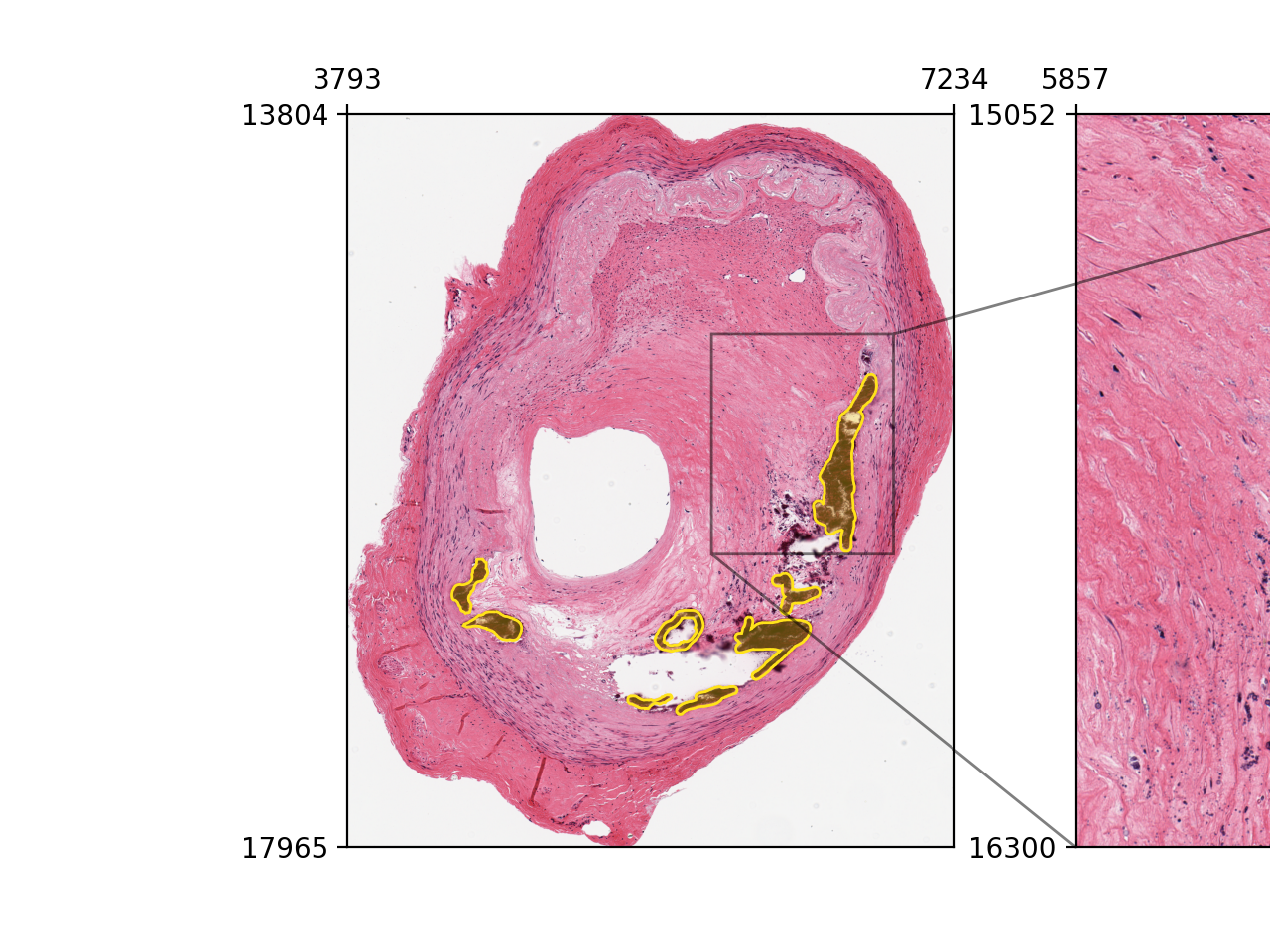
You can control if an element shoud be displayed in the zoom view.
Here we disabled the display of yellow annotations in the zoom view.
v = zs.pl.WSIViewer(wsi)
v.add_image()
v.add_polygons("annotations", in_zoom=False)
v.set_tissue_id(0)
v.add_zoom(0.6, 0.9, 0.3, 0.6)
v.show()
Efficient debugging of visualization#
The progressive adding components on top of the images is cool, it gives you finer control on what to visualize.
However, it’s not efficient to debug, once you add a component, you cannot delete it.
If you have a large image and you create a new viewer everytime when you want to modify some tiny details, you waste your time on re-computing the image rendering process.
Luckily, we have a solution for this. When you add a component, simply set cache=False, and it will only be rendered in the next rendering.
v = zs.pl.WSIViewer(wsi)
v.add_image()
v.add_polygons("annotations", cache=False)
v.set_tissue_id(0)
v.show()
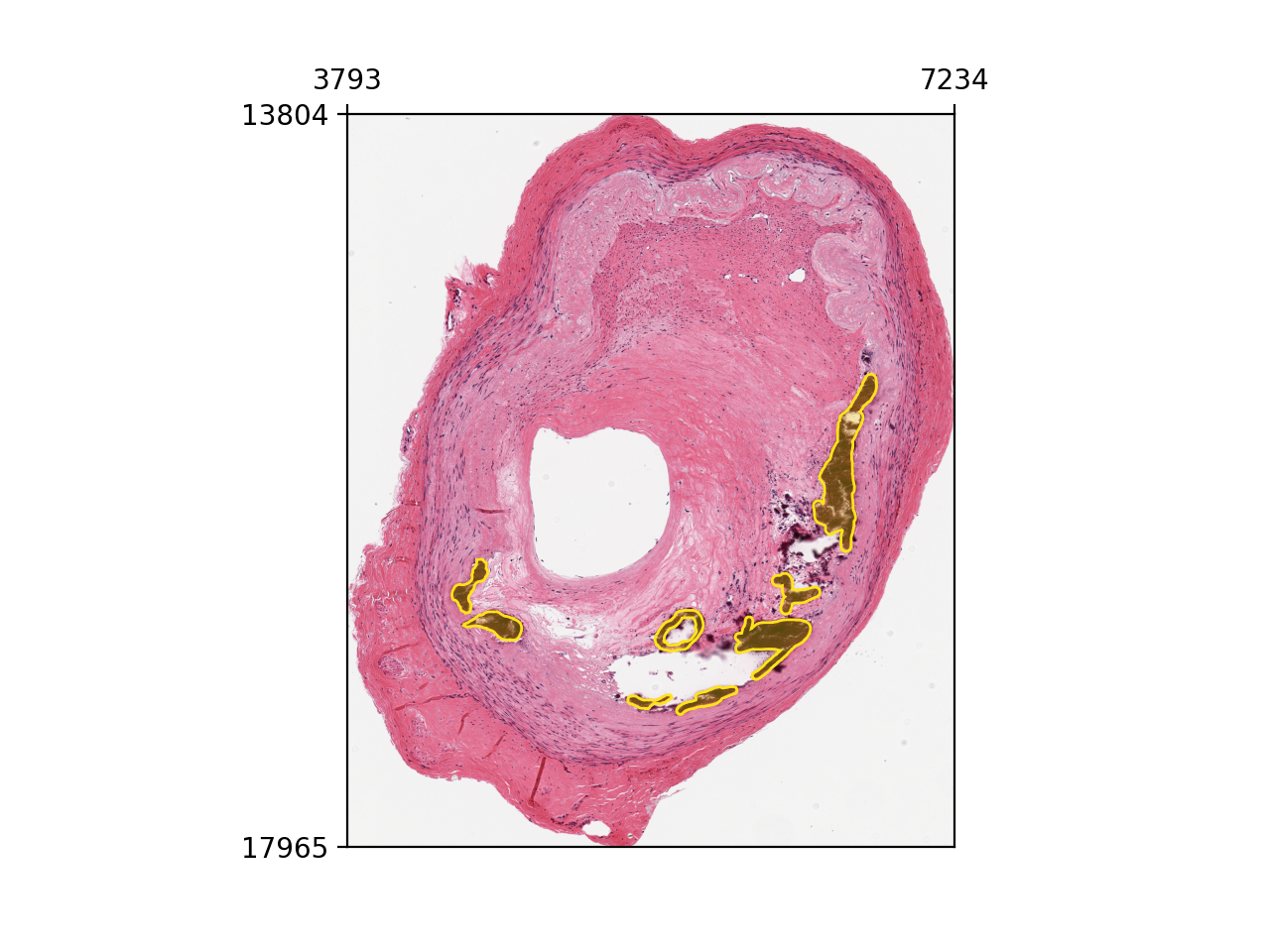
If we called the .show() again, the annotation will disappered.
v.show()
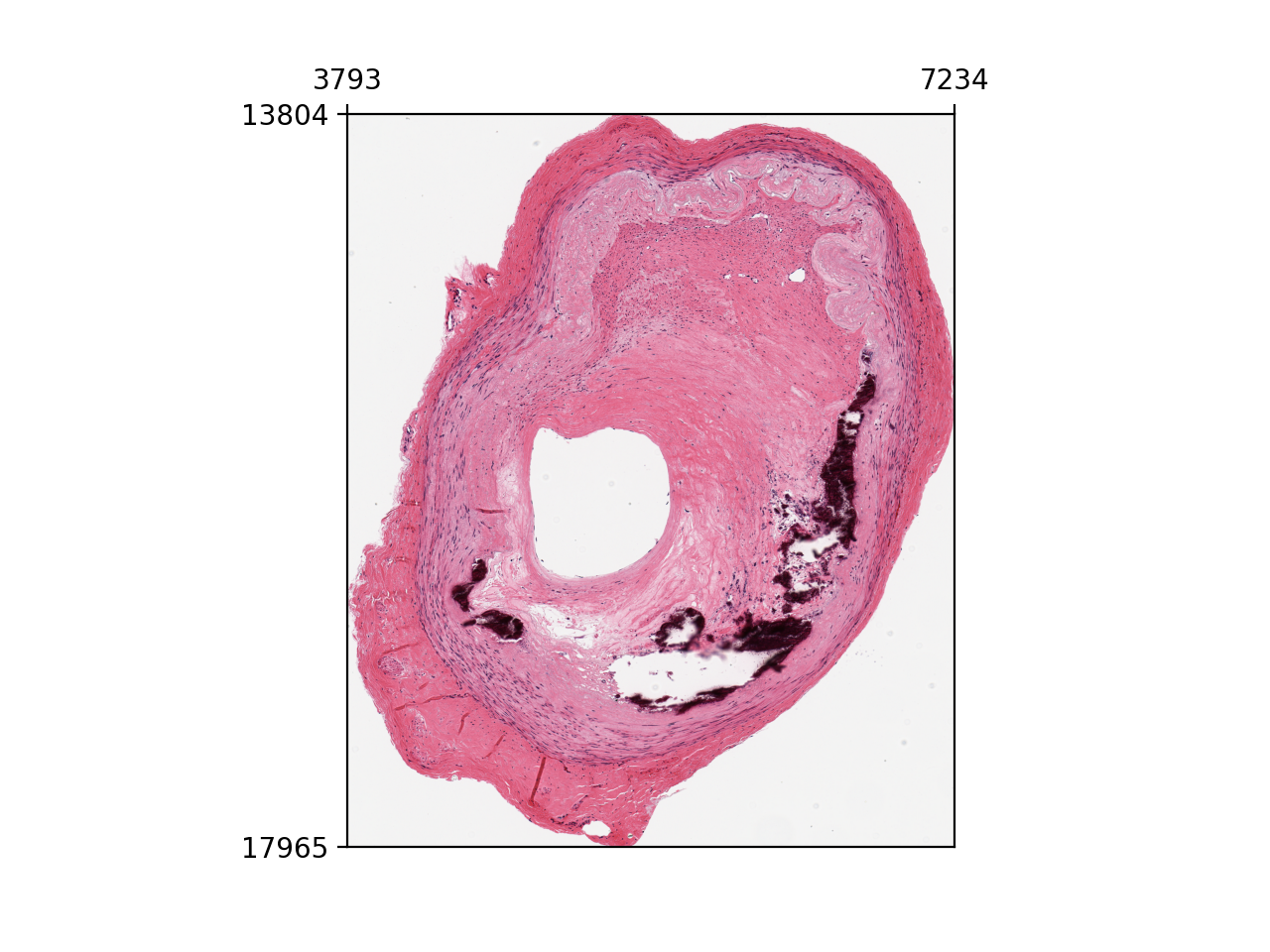
In this way, you can easily change color without recomputing the image rendering process.
You may not notice the difference in this example, but if you have a huge WSI. This can make significant difference.
v.add_polygons("annotations", color="#604FDD", cache=False)
v.show()